
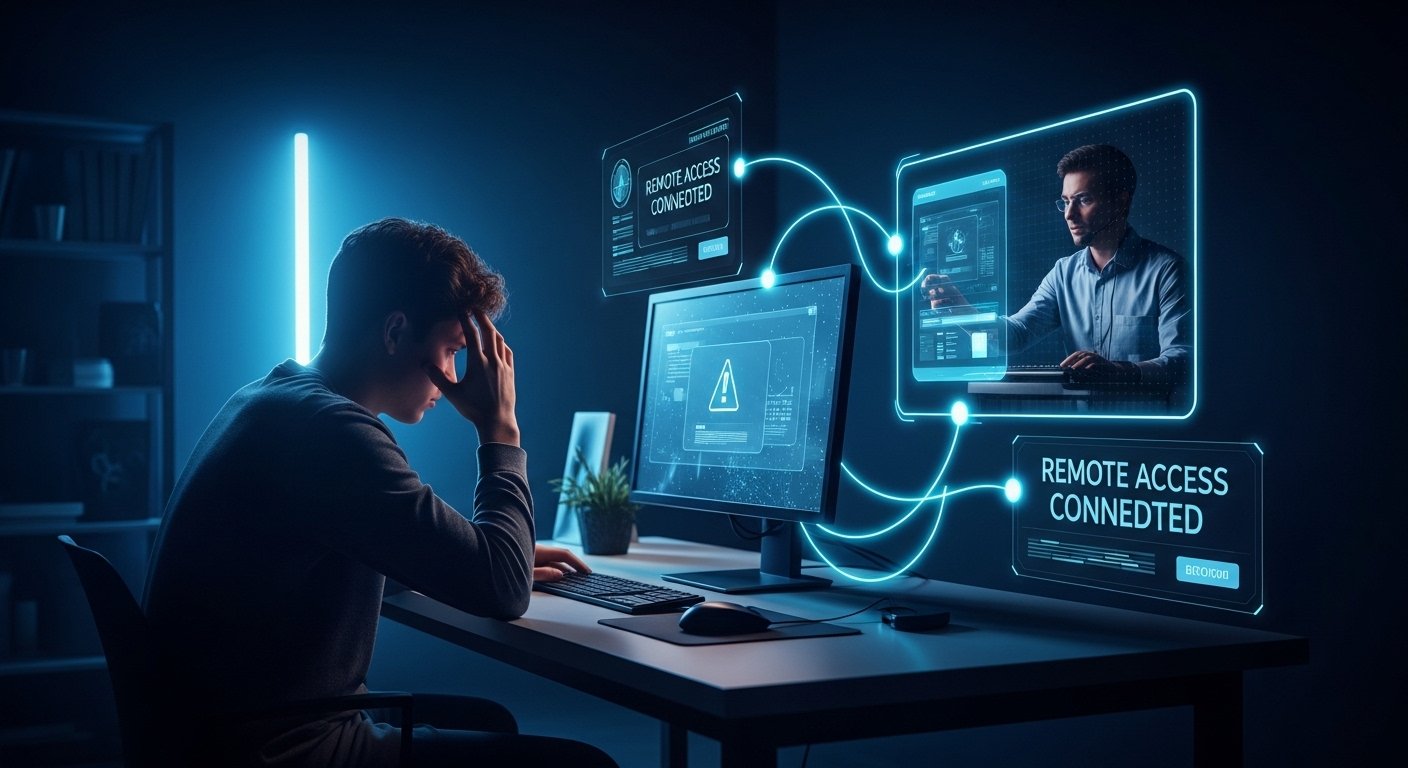
Remote desktop was once a technology that only top IT departments used, but times have changed. Today, getting a quick ultraviewer download is typically the first step for someone trying to fix their parents’ computer from states away or a small business owner managing a server.
This tool has become the first choice for many as a good alternative in a market that was previously dominated by just one or two big names. And it seems that people value the fact that it is neither bloated nor excessively corporate, thus a very reasonable choice for everyday tasks.
What is UltraViewer, to be Precise?
Basically, UltraViewer is a computer program that enables a person to remotely control someone else’s computer via the internet. The software was created by DucFabulous Ltd, a technology company in Vietnam, and what was initially a small-scale tool has turned into a global player.
It’s mostly compatible with the Windows platform because that’s where most technical support takes place anyway.
When you launch the application, it provides a unique ID and a limited-use password. After you give these details to a partner, they are able to view your screen and control your mouse as if they were physically present at your computer. The concept is straightforward, but the technology behind the scenes is quite complex, involving firewall circumvention and data encryption.
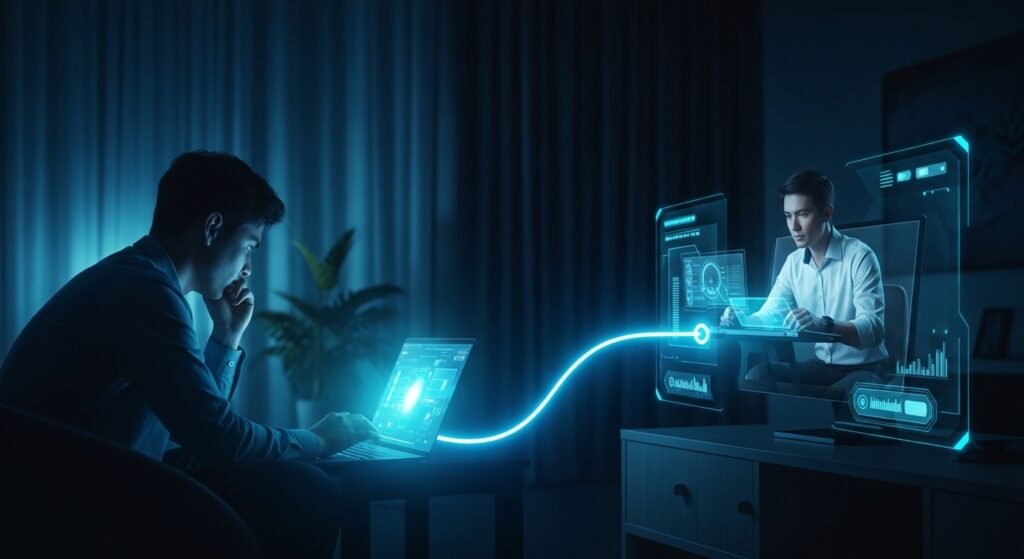
Besides, a lot of users search for a download when they find themselves blocked on other platforms because of a “commercial use suspected” message. UltraViewer has shot to fame by being more licensing-friendly and providing a pretty good free tier for those who only need to do casual remote assistance.
The Technology Behind It
Generally, the experience of remote access ends up getting blocked by routers and firewalls. Back in the days, to get remote access, you had to get your hands dirty with “Port Forwarding, ” which made even moderately tech-savvy people extremely frustrated. UltraViewer avoids this problem by using a relay server. Essentially, both computers communicate with a central point, and the data is exchanged there, which means you don’t have to mess with any router configurations.
Shutterstock
The software encrypts the data in transit so that even if monitoring is the visual data, your desktop, the icons, the files you have open, as well as your mouse movements, the intercepter wouldn’t be able to understand anything. In fact, the technical documentation confirms its low usage of CPU resources, and this is the main reason why it suffers less from the lag on low-speed internet connections than the older remote tools.
The Connection Process
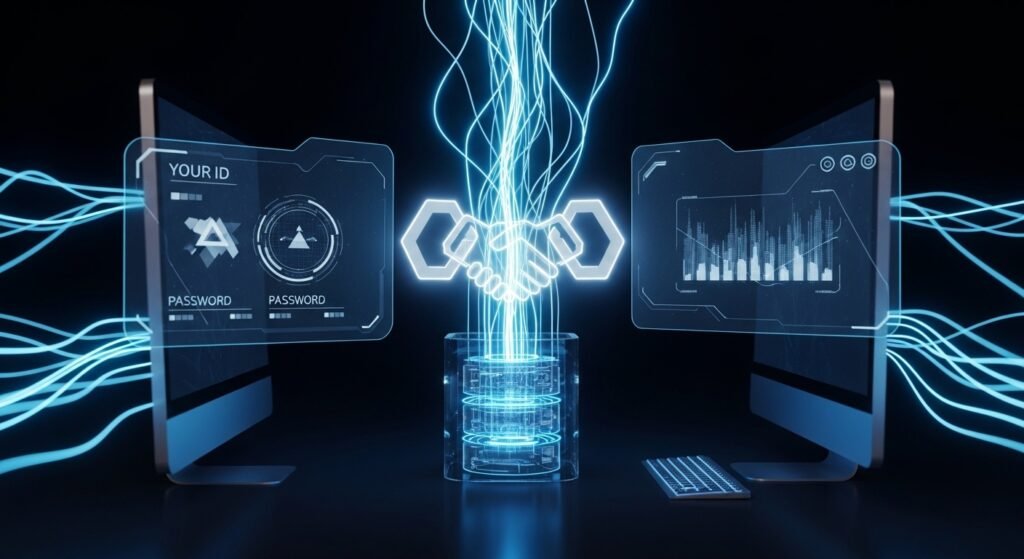
- Step 1: When you run the program, you have “Your ID” and “Password” displayed.
- Step 2: Your colleague enters that ID into their “Partner ID” box.
- Step 3: The handshake takes place. The program verifies if the entered ID is present and if the password corresponds.
- Step 4: The controller’s side gets a new window displaying the remote desktop.
It is lightning quick. Most people have got used to a little “ghosting” or lag when they move a window on a remote PC, but the optimization here is quite good. It won’t allow you to play a high-end video game remotely with zero latency, but for the tasks like navigating through “Add/Remove Programs” or troubleshooting an Excel macro, it’s absolutely spot on.
Why the Shift Matters
This launch of the tool reflects the major change in the way we carry out tech support. By different degrees, we’ve progressively become less reliant on the technician having to come onsite. This new mode of working has saved a huge amount of money and time. Just imagine, for a small IT company, being able to service thirty clients a day through remote sessions, as compared to only five in-person visits, is a real step change for their profitability.
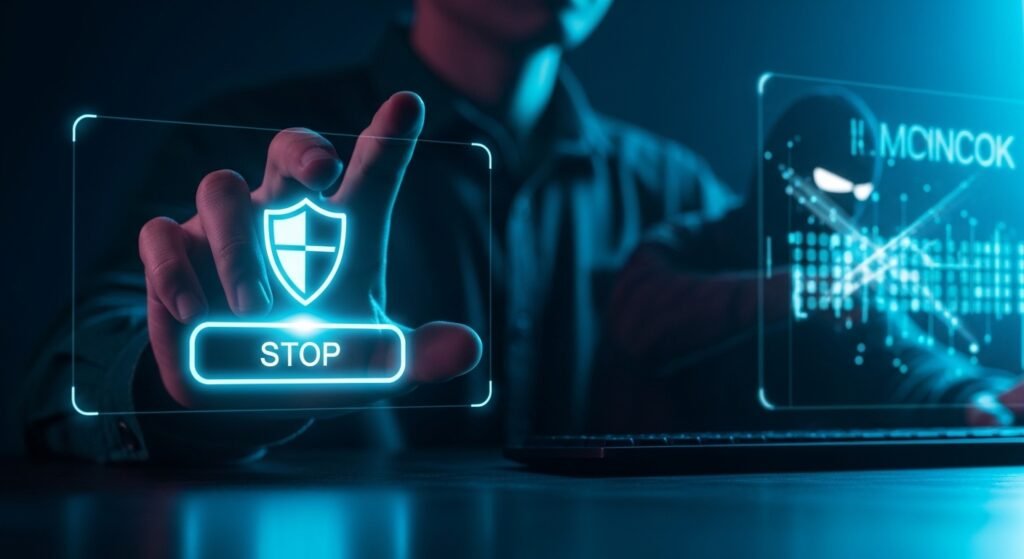
The other issue is the “trust” element. Previously, remote access seemed quite an intrusion. UltraViewer is attempting to address this point by keeping the “Stop” button at the very front and center. The person whose computer is being accessed is definitely the one who has the control; they are able to terminate the session immediately or reacquire the control of the mouse at any moment. Such openness has played a role in getting remote support accepted by an average user who might be suspicious of “hackers.”
Most tech blogs written by experts outside the company agree that the user-friendly nature is what mainly explains its very high score. You don’t have to be a systems administrator to understand and use the UI. It simply resembles a normal Windows app from the early 2010s, simple, efficient, and without any unnecessary colorful graphics.
Main Messages and Security Breaches
Security is one aspect that worries people so much that it almost leads to not using a remote software at all. The reason being it is such a good work aid that if the bad person gets hold of it, it might be very dangerous. On this basis, the creators have given the users the possibility of choosing from the modes like “View Only.” So, for instance, if you were a teacher and wanted to show a student how to use a software, then you could set such that the student could just see your screen and not be able to do anything.
One more point is the file transfer feature. It’s not only looking at the screen that matters; it’s also about exchanging patches, drivers, or paperwork.
UltraViewer’s file transfer window is as functional as an FTP client of the old days, which is very dependable for moving large installers that might be too big for an email attachment.
Security Best Practices:
- By no means disclose your ID in social media or public forums.
- Change your password after every session even if the software most of the time handles this automatically.
- Keep an eye on the screen. If you see the technician opening folders that aren’t related to the work, simply exit the program.
This tool’s role in the global gig economy is significant and shouldn’t be underestimated. Thousands of freelance professionals working on platforms like Upwork or Fiverr offer “PC Tune-ups.” The trustable downloading of such a utility becomes, in a way, their whole “office.” If taken from them, their method of running a business would not be the same one anymore.
What Really Happens During Installation?
The file for ultraviewer download is relatively small less than 5MB, to be exact. One can’t help but wonder what impact on the environment is the result of such an efficient compression compared to what this generation releases requiring a huge capacity. The process of installation is as simple as going through dialog boxes (Next, Next, Finish) and completing the operation. It does not attempt to slip in odd toolbars or third-party search engines, which a lot of free software gets a bad rap for.
With the full install that you can decide if you want it or not, it sets itself up as a service. That, in turn, enables it to launch automatically when Windows does, which is a nice touch if, for example, you want to connect to your office computer while on a business trip. You don’t need to do a full “deep” installation if it’s just a one-time use; sometimes, it’s possible to operate the program without that way, thus not disturbing the system registry.
A Quick Tip for Power Users
That feature, “Multi-computer control, ” is where a lot of people really miss out. Besides, if you hold the position of an IT lead, it’s even possible to run multiple tabs simultaneously on UltraViewer. Besides, each tab corresponds to a different computer. If one will be running slowly with a background virus scanning, the other tab can be clicked on to continue working on other tasks. Isn’t it great that such multitasking is possible?
If the connection is slow, you can simply disable the “Remote Wallpaper.” This is a very small setting, but it completely prevents the computer from sending the data of a high-res 4K desktop wallpaper over the network. Basically, it switches the remote desktop background to black and this way, not only is a lot of bandwidth saved but also the responding to mouse movements feels much quicker.
Conclusion
There are many reasons why this tool remains popular, but the main one is that it focuses on being an excellent remote desktop tool and doesn’t try to be an all-in-one office suite or a social network. If you want to start using ultraviewer download, just make sure you get it from the official source to stay secure with the latest patches.
Probably you will not use it daily but when a friend or a family member is desperate for your help in a technical situation, you will be very happy that it is there in your downloads folder. So next time a family member calls telling that the printer is “broken” give it a shot, iIt will save you a lot of frustration.
FAQS
UltraViewer is a remote desktop software that allows users to control another computer over the internet using a unique ID and password. It connects through a relay server and encrypts data for secure remote access.
burn with an axe
Yes, many freelancers and IT professionals use UltraViewer for remote support services, making it a valuable tool for online work and technical assistance.
like port forward